Deleting a field
Delete a field when you no longer want that question in the catalog. Deleting also removes the field from every service and add-on that used it. Past bookings keep whatever answers they already stored.
Delete one field
- Open Appointments → Catalog → Fields.
- Open the row menu on the field.
- Click Delete.
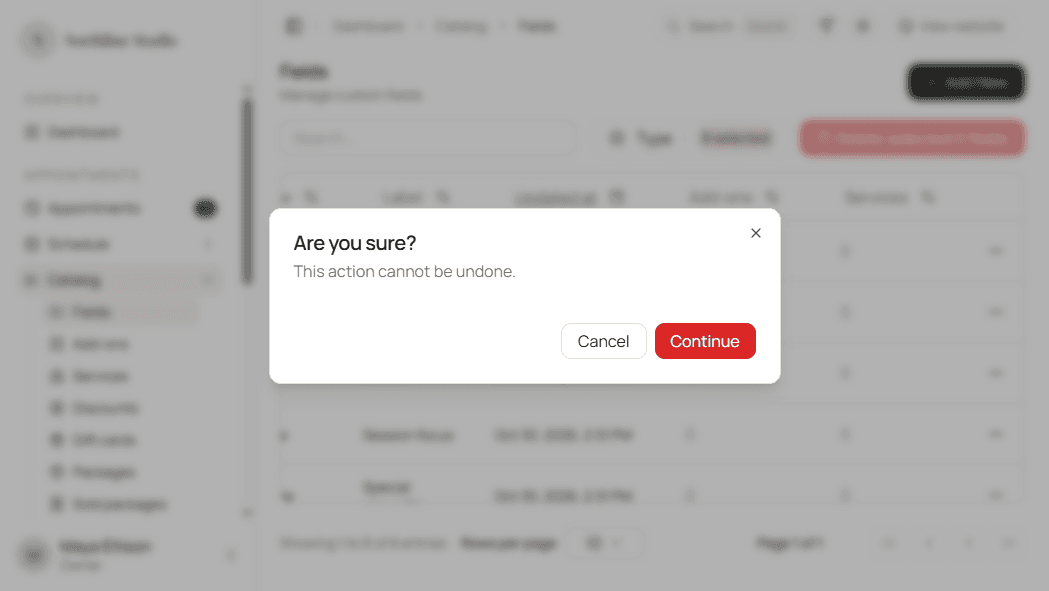
- Read the confirm dialog. It asks Are you sure? and warns that the action cannot be undone.
- Click Continue to delete, or Cancel to keep the field.
Delete several fields
- Check the fields to remove, or use Select all.
- Click Delete selected.
- Confirm in the dialog. That dialog also states that selected fields are removed from all services and add-ons that use them.
- Click Delete selected in the dialog, or Cancel to stop.
What happens next
- The field leaves the Fields list.
- Hacado pulls the field off every service and add-on that referenced it, so new bookings no longer show that question there.
- You cannot undo a delete. Create the field again if you still need a similar question.
Good to know
If the list looks empty after a delete and you expected rows to remain, clear search and the Type filter - you may still be filtering the list.