Publish and share your booking link
A finished page is not live until it is published. Once your key pages are live, copy your booking link and share it where clients will find you.
How publishing works
Each page goes live when you:
- Open the page in Website → Pages.
- Open the page settings while editing.
- Turn on Published.
- Set a publish date - use today or earlier so the page is visible now.
- Tap Save.
Repeat for every page clients should see. Unpublished pages stay hidden from the public site.
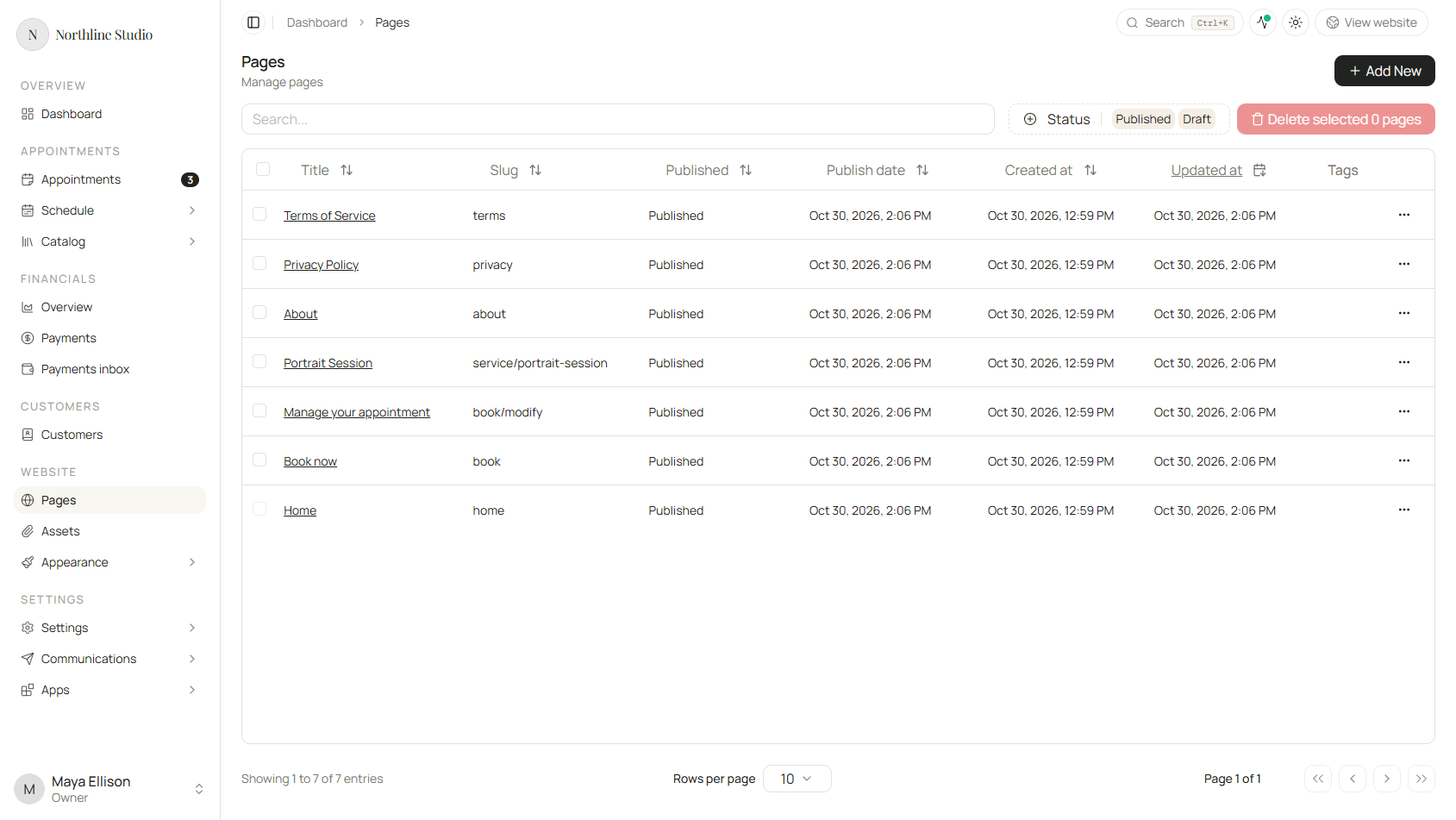
The pages table shows Published status for each row. Your home page and booking-related pages should be published before you share your link widely.
Find your booking link
- Open Settings → Brand.
- Open the Brand tab.
- Under Your Hacado address, use the copy button next to your website URL.

Open the link in a private or incognito browser window. What you see is close to what clients see.
Preview vs live
- Preview (while editing) shows draft content with a special preview link - useful before you publish.
- Live site shows only published pages whose publish date has passed.
If something looks unfinished on the live link, return to Website → Pages or Settings → Brand.
Use your own web address (optional)
You can keep your Hacado web address or point a domain you own at your site. That is optional for launch day.
When you are ready, follow Connect your own domain.
Share your link
Once you are happy with the live site, put your booking link where clients already look for you:
- Instagram, Facebook, or LinkedIn bio and posts
- Google Business Profile or other directory listings
- Email signature
- Printed cards or flyers
- A “Book now” button on an existing website