Templates
A template is the wording of one customer email or one customer text. Hacado does not send it until an app is set to use that template.
Open Communications → Templates.
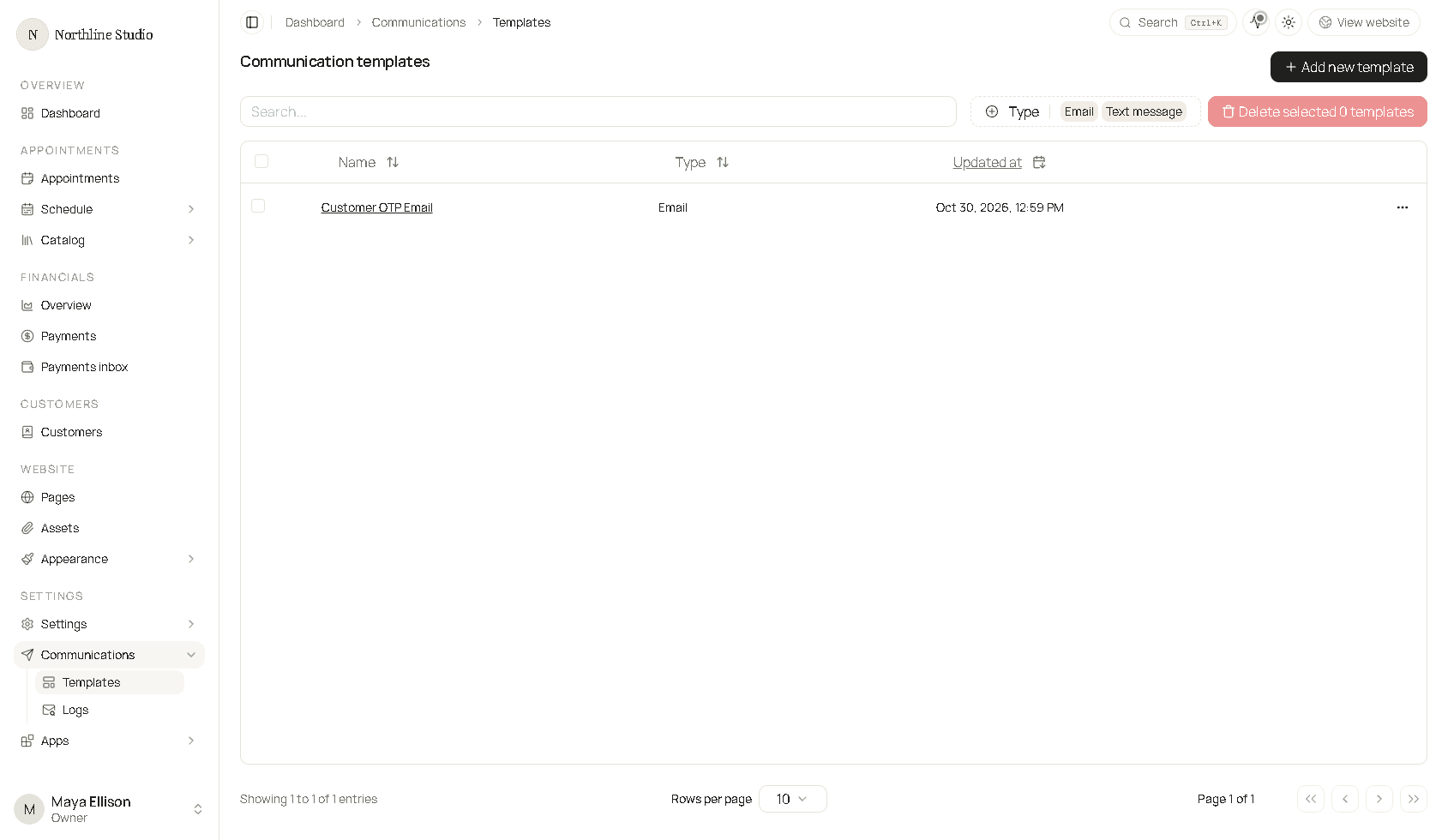
What the list shows
| Column | What it is |
|---|---|
| Name | The name you gave the template. Click it to edit. |
| Type | Email or Text message. |
| Updated at | When it was last saved. |
Search matches the name. Type filters the list to Email or Text message. Delete selected removes the checked rows. It stays off until at least one row is checked.
Row menu
Open the ⋯ menu on a row.
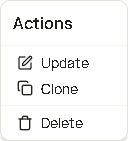
- Update opens the template.
- Clone starts a new template from this one so you can change the copy without editing the original.
- Delete asks you to confirm, then removes the template. Apps that were pointing at it no longer have that wording.
How a template gets used
Saving a template only stores the wording. The app that sends the message has its own setting for which template to use. Typical places:
| Who sends it | Where you pick the template |
|---|---|
| Appointment emails and texts (request, confirmed, declined, canceled, no-show, rescheduled) | Customer Appointment Updates |
| Appointment reminders | Appointment Reminders |
| Waitlist emails and texts | Waitlist apps |
| Package emails | Package email notifications |
| Gift card emails | Gift card studio |
| Payment link email or text | Payment links |
| Sign-in code | Customer access, once that channel is on |
Core starters cover the appointment and sign-in messages that ship with Hacado. Extra starters show up in Add new template only after the matching app is installed. See Create a template.
Which kind to write
- Text messages - short transactional texts. Solo and above, and verified custom texting in the United States and Canada.
- Emails - the visual email editor and a page for each block.
Good to know
- The template name has to be unique in your workspace.
- Placeholders such as
{{customer.name}}are filled in when the message is sent. They are not the customer’s real name inside the editor. - Text message templates are hidden until custom text messages are available. See Text messaging.