Text
Text is a paragraph. Drag it from Text in the blocks panel.
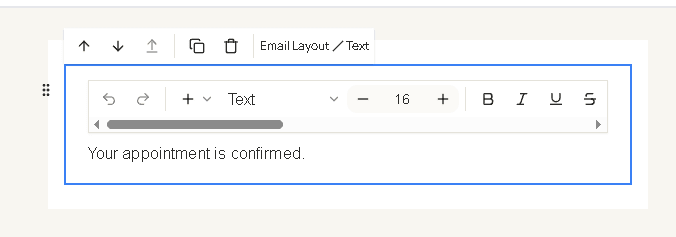
Click the paragraph on the canvas. A small editor opens on the block: undo, redo, font size, bold, italic, underline, strikethrough, and alignment. The breadcrumb reads Email layout / Text.
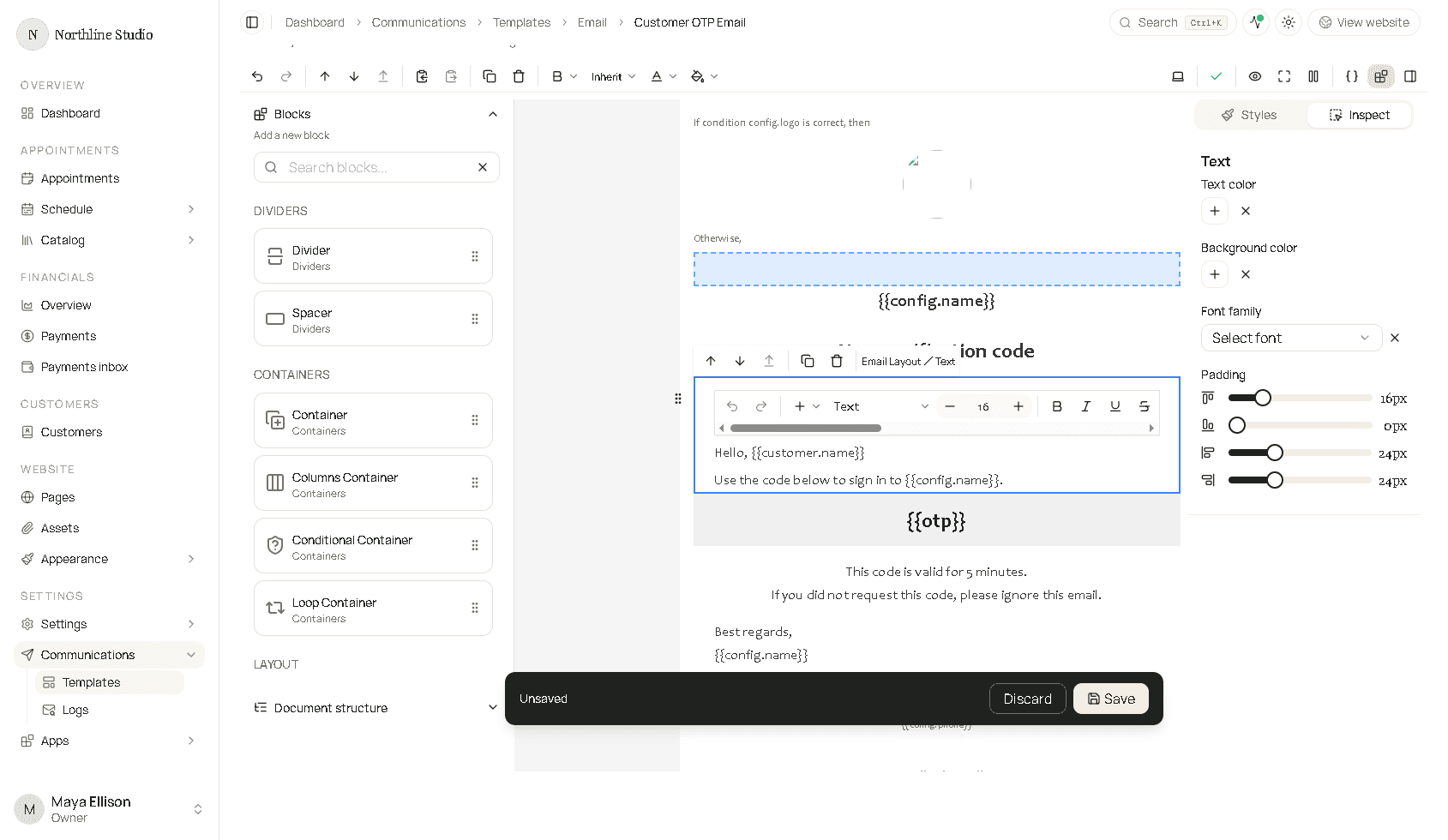
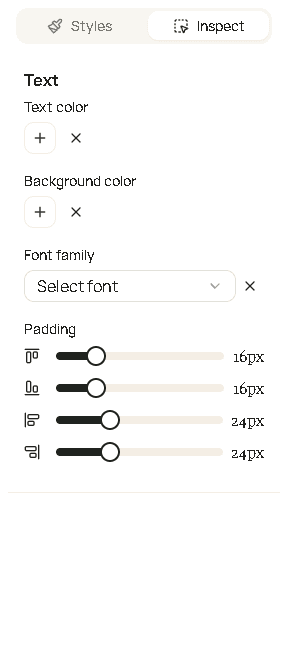
Inspect does not have a separate content box. You edit the words on the canvas. The panel sets:
| Field | What it changes |
|---|---|
| Text color | Color of the paragraph. |
| Background color | Fill behind the paragraph. |
| Font family | Typeface. Inherit follows the email layout. |
| Padding | Space inside the block. The four sliders are top, right, bottom, and left. |
Type {{ in the paragraph to insert a placeholder.
Keyboard shortcuts for bold, italic, and underline follow the usual editor keys (Ctrl on Windows, Command on a Mac).