Deleting a package
Delete a package when you no longer offer that prepaid bundle and it has never been sold. Hacado blocks delete when the package already has purchases.
When delete is blocked
If anyone has bought the package, delete fails with a message that the package has purchases and cannot be deleted.
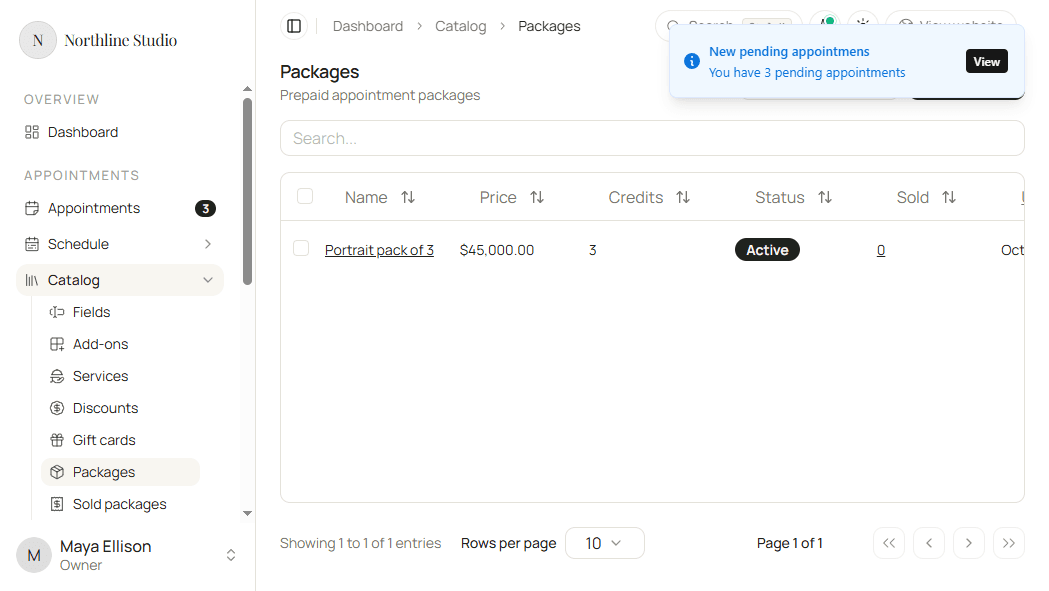
Manage those purchases under Sold packages instead. You can cancel a sold package for a customer without deleting the catalog definition.
Delete one package
- Open Appointments → Catalog → Packages.
- Open the row menu on the package.
- Click Delete.
- Confirm in the dialog.
If the package has purchases, the request fails and the package stays in the list.
Delete several packages
- Check packages that have no purchases.
- Click Delete selected.
- Confirm in the dialog. The confirm copy notes that only packages with no purchases are removed.
What happens next
- The package leaves the Packages list when delete succeeds.
- Hacado also removes it from booking availability if it was listed under Settings → Appointments → Services and packages.
- You cannot undo a delete. Create the package again if you still need a similar offering - see Creating a new package.
Good to know
To stop new sales without removing history, keep the catalog package and manage customer copies under Sold packages.