Field types
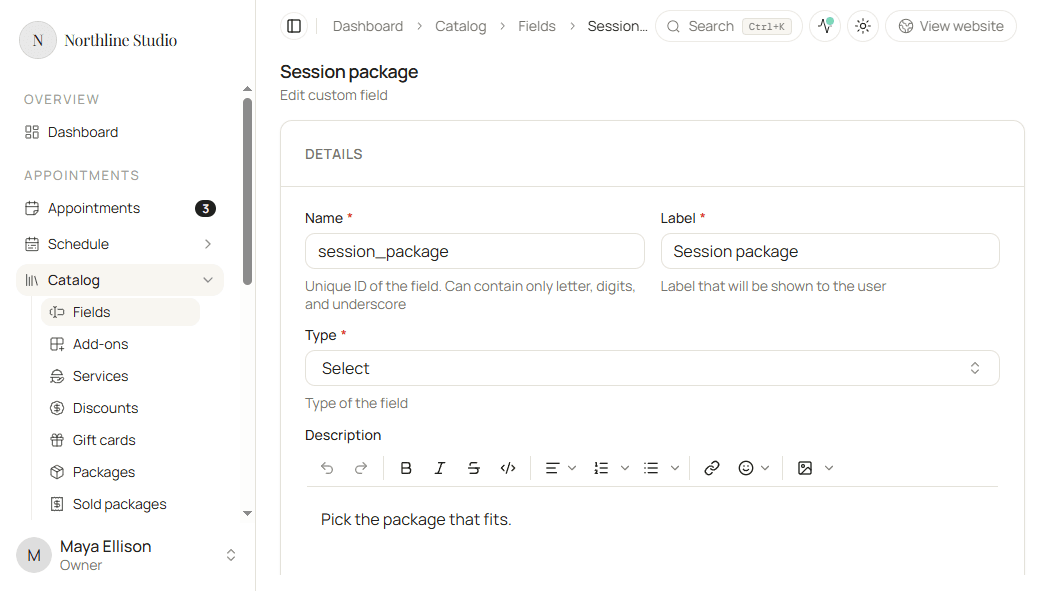
Every field has a Type. The type controls what clients enter on the booking form. You pick it when creating or updating a field.
Open Type on the field form to choose one of the eight options.
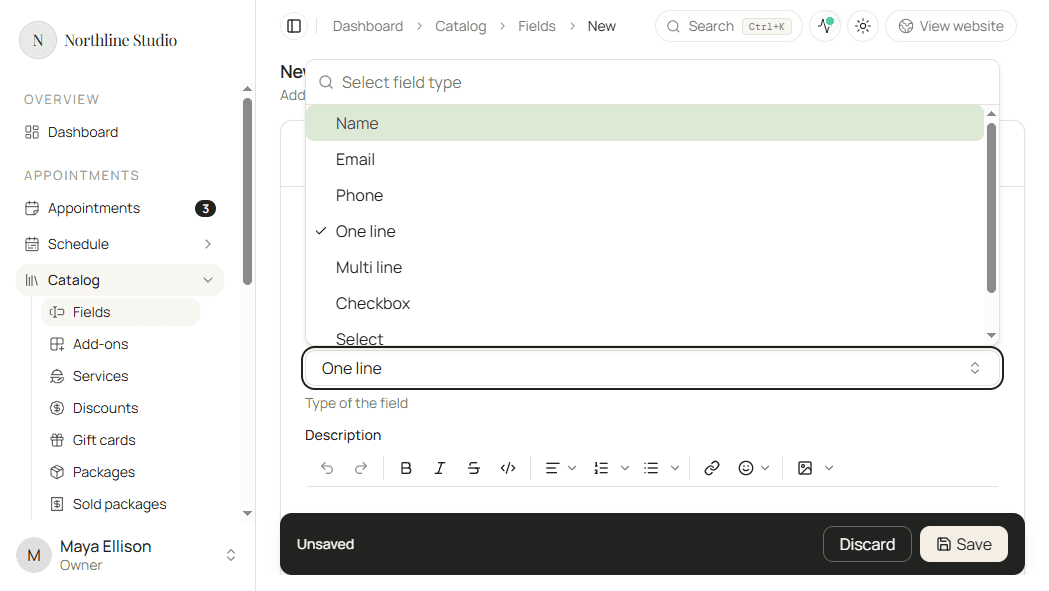
Name
Name asks for a person’s name. Use it when you need the client’s name as its own field on a service or add-on.
Email asks for an email address and checks that the value looks like an email.
Phone
Phone asks for a phone number in a phone-friendly input.
One line
One line is a short single-line text answer - for example a referral code or a short preference.
New fields start as One line until you change the type.
Multi line
Multi line is a longer text box for notes, special requests, or anything that needs more than one line.
Checkbox
Checkbox is a yes/no choice. Use it for agreements such as accepting a studio policy.
Select
Select shows a list of choices. Clients pick one option.
When Type is Select, an Options section appears. You must add at least one option before you can save.
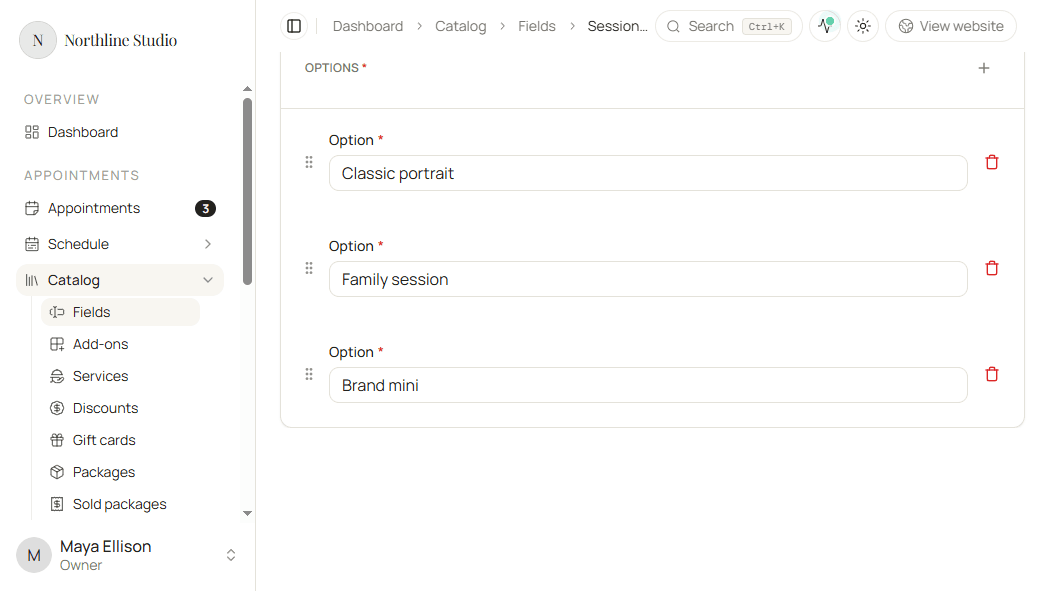
- Click Add a new item to add an option.
- Enter the Option text clients will see.
- Drag with Move option to change the order.
- Remove an option only when you no longer want it on the list. Confirm if Hacado asks.
Good to know
Option labels must be unique within that field.
File
File lets clients upload a file during booking - for example inspiration images or a document.
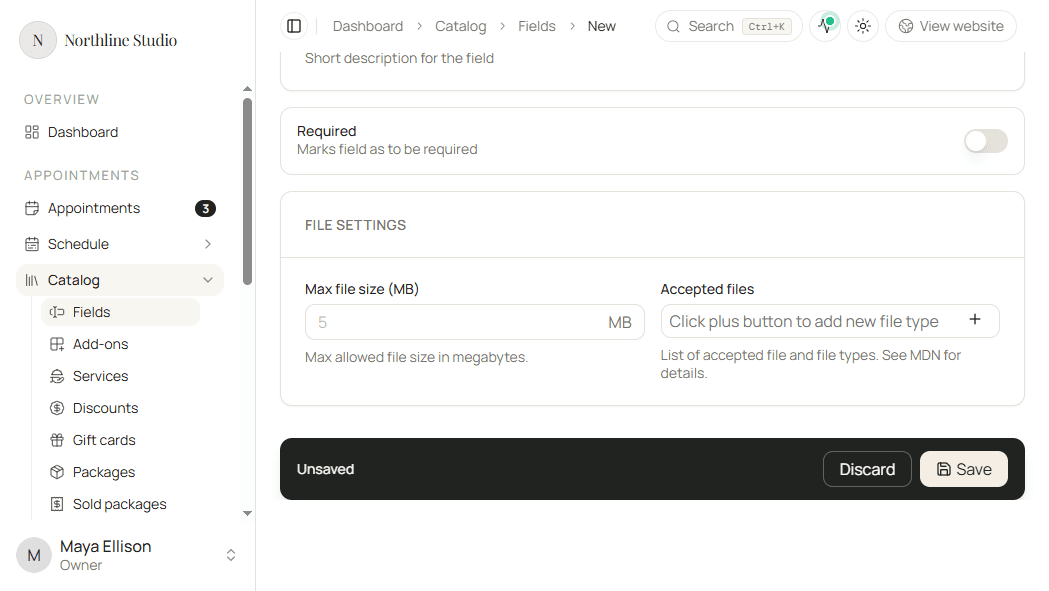
When Type is File, a File settings card appears.
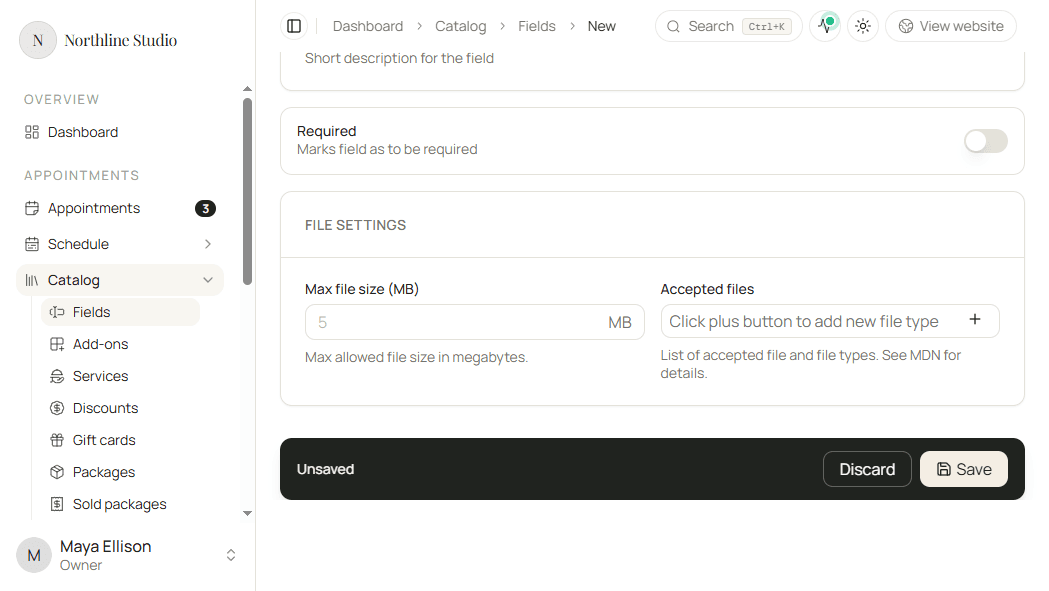
Max file size
- Enter Max file size (MB) if you want a limit.
- Leave it blank if you do not need a custom limit.
The value must be between 1 and 100 if you set one.
Accepted files
- Click the plus control on Accepted files.
- Choose a group: Images, Videos, Audios, or Documents.
- Click Add option to put that group on the list.
- Repeat for every group you want to allow.
- Remove a tag from the list if that group should not be accepted.
Good to know
If you leave Accepted files empty, Hacado does not restrict the upload to those groups. Set the list when you only want certain kinds of files.
Required for every type
The Required switch works the same for all types:
- On - clients must complete the field before they can finish booking.
- Off - clients can skip it.