Button
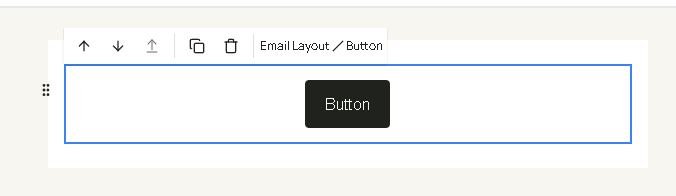
Button is a link drawn as a button. Drag it from Text in the blocks panel. A new button is labeled “Button” and points at https://hacado.com until you change it.
| Field | What it changes |
|---|---|
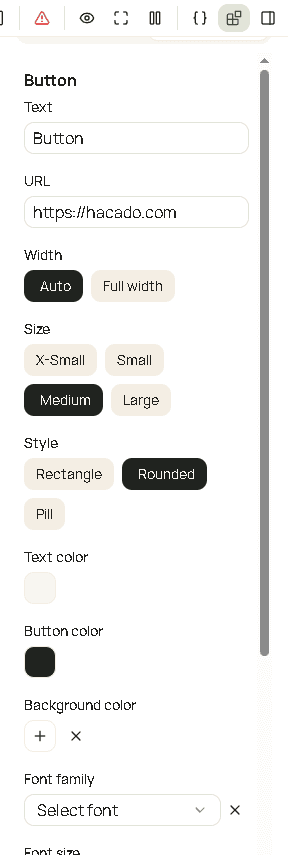
| Text | The label on the button. |
| URL | Where the button goes. Use a placeholder when the link depends on the booking, such as a manage or pay link. |
| Width | Auto (as wide as the label) or Full width. |
| Size | X-Small, Small, Medium, or Large. |
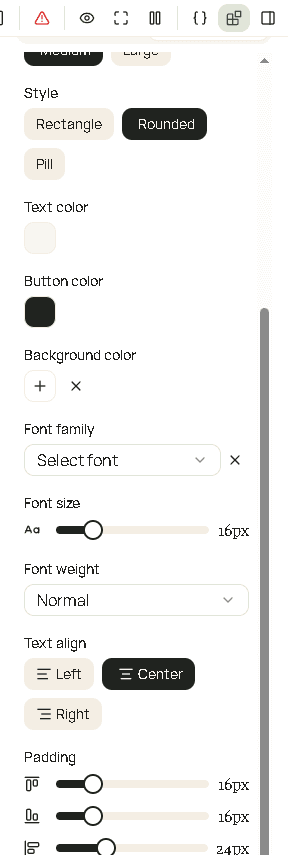
| Style | Rectangle, Rounded, or Pill. |
| Text color | Color of the label. |
| Button color | Fill of the button. |
| Background color | Fill of the block behind the button, not the button itself. |
| Font family | Typeface of the label. |
| Font size | Size of the label. |
| Font weight | How heavy the label is. |
| Text align | Where the button sits: left, center, or right. |
| Padding | Space around the button inside the block. |