Updating an existing gift card
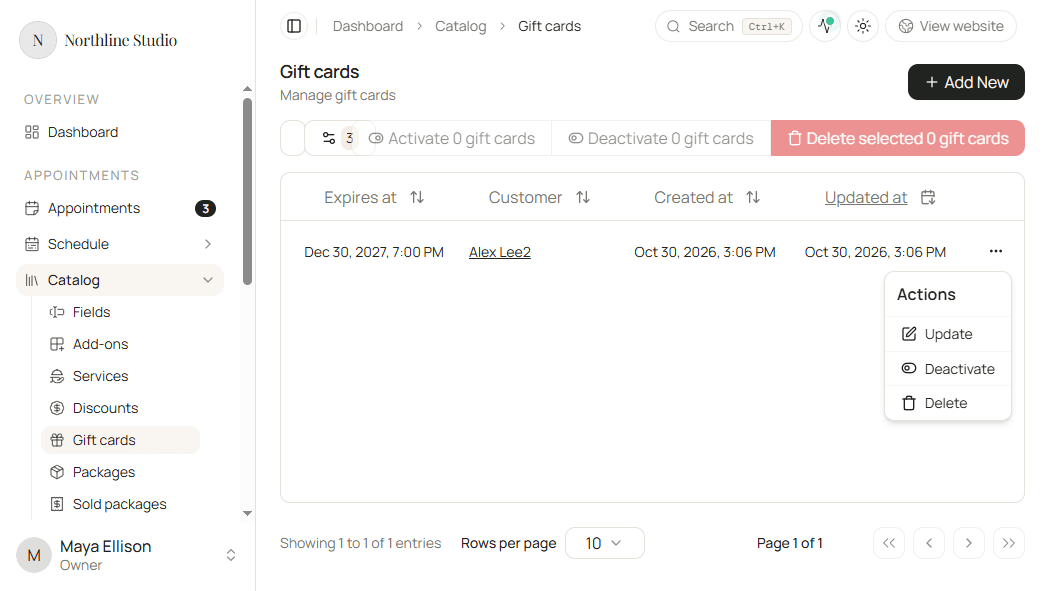
Change a gift card when the expiry date needs updating, or when a pending payment-link amount still needs a correction. Code and Customer are locked after create.
Open the gift card
- Open Appointments → Catalog → Gift cards.
- Click the gift card code, or open the row menu and choose Update.
What you can change
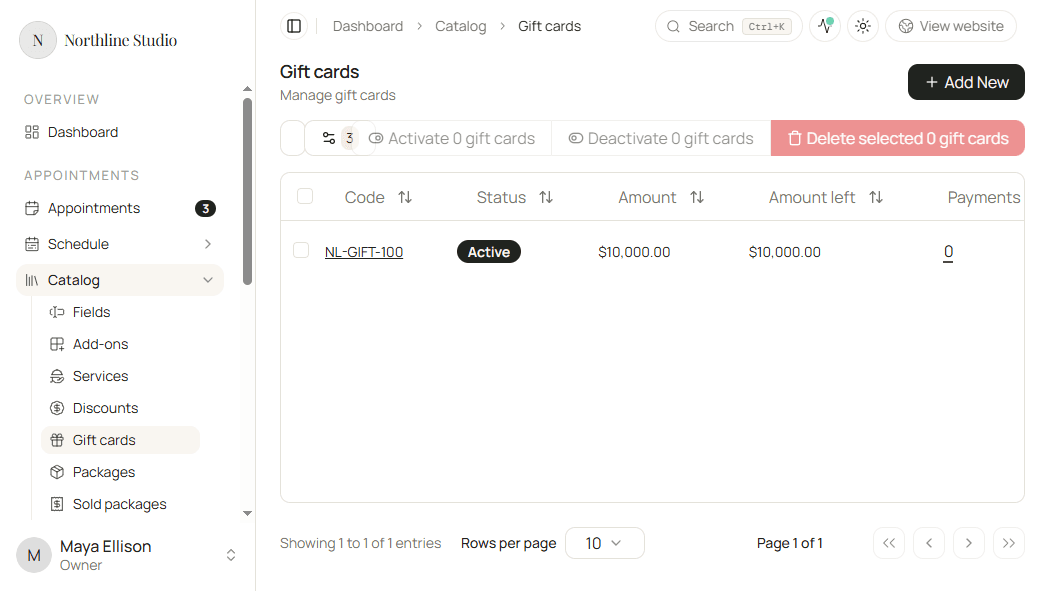
- Code stays locked. You cannot regenerate it after create.
- Customer stays locked.
- Update Expires at when the redemption window should change, or clear it for no expiry.
- Update Amount only when the card’s payment is still a pending Payment link. For paid cards and in-person payments, amount is locked.
Full create-time detail for each field is in Creating a new gift card.
Save
- Click Save.
Hacado keeps you on the gift card page and confirms that your changes were saved.
Good to know
To stop redemption without deleting the card, use Activate / Deactivate instead of editing amount.