Image
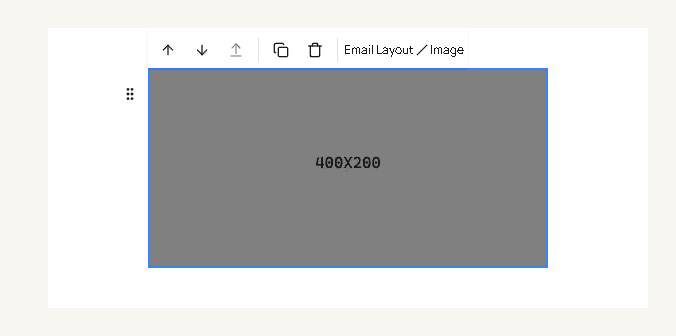
Image is a picture in the email. Drag it from Images in the blocks panel.
| Field | What it changes |
|---|---|
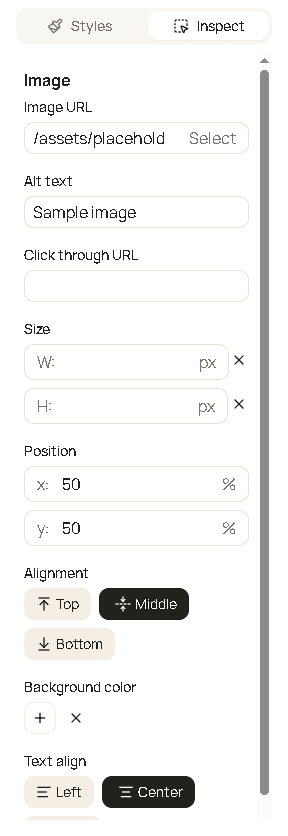
| Image URL | The file. Select opens images you have stored. A new image uses a gray placeholder until you choose one. |
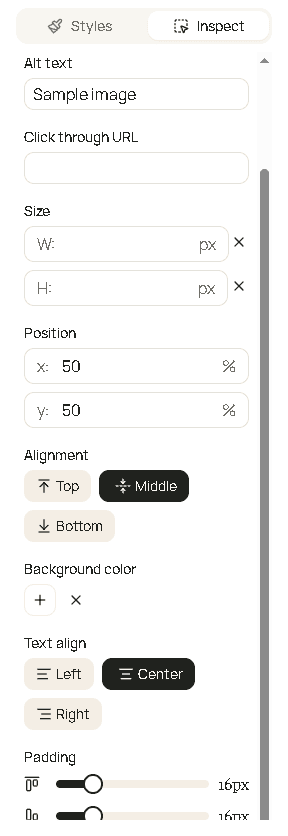
| Alt text | The description if the image does not load, and for people who do not see images. |
| Click through URL | Optional. The page that opens when the customer clicks the picture. |
| Size | W and H in pixels. Leave a side empty to keep that side automatic. Each number you set must be a whole number greater than 0. |
| Position | x and y as a percent, from 0 to 100. This chooses which part of the picture stays visible when the frame crops it. |
| Alignment | Top, Middle, or Bottom - how the image sits in its row. |
| Background color | Fill behind the image. |
| Text align | Left, center, or right in the row. |
| Padding | Space around the image. |