Listing sold packages
The Sold packages list shows every package issued to a customer. Use it to find a purchase, open the row menu, or sell another package from Catalog.
Open Appointments → Catalog → Sold packages.
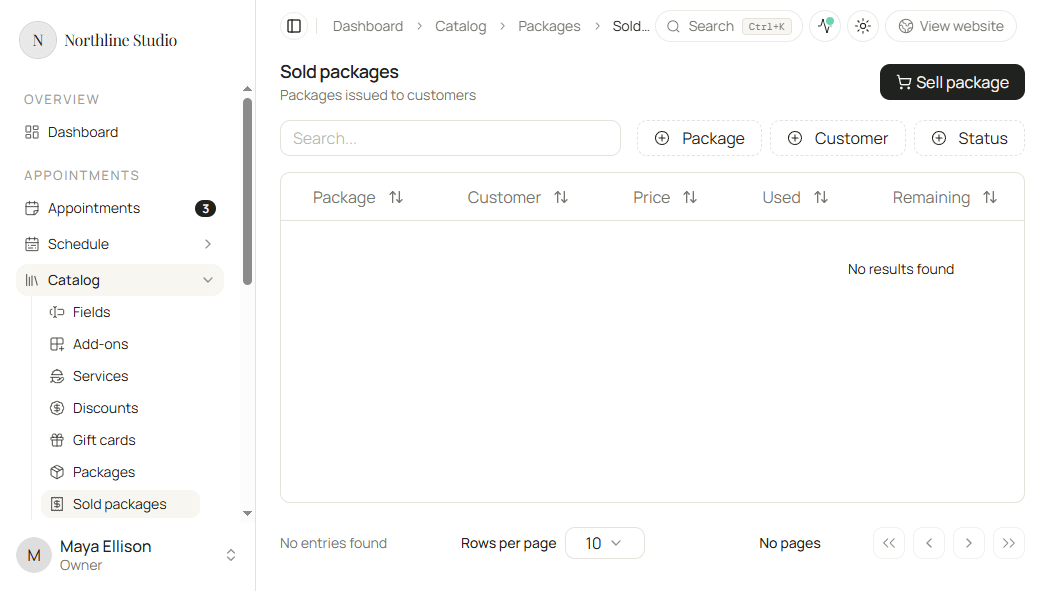
Search and filters
- Click the search box above the table.
- Type part of the package or customer name.
- Optionally filter by Package, Customer, or status.
- Click Reset filters when you want every sold package again.
Columns include the package name, customer, price, remaining and used credits, status, purchased date, and expiry when set.
Sell another package
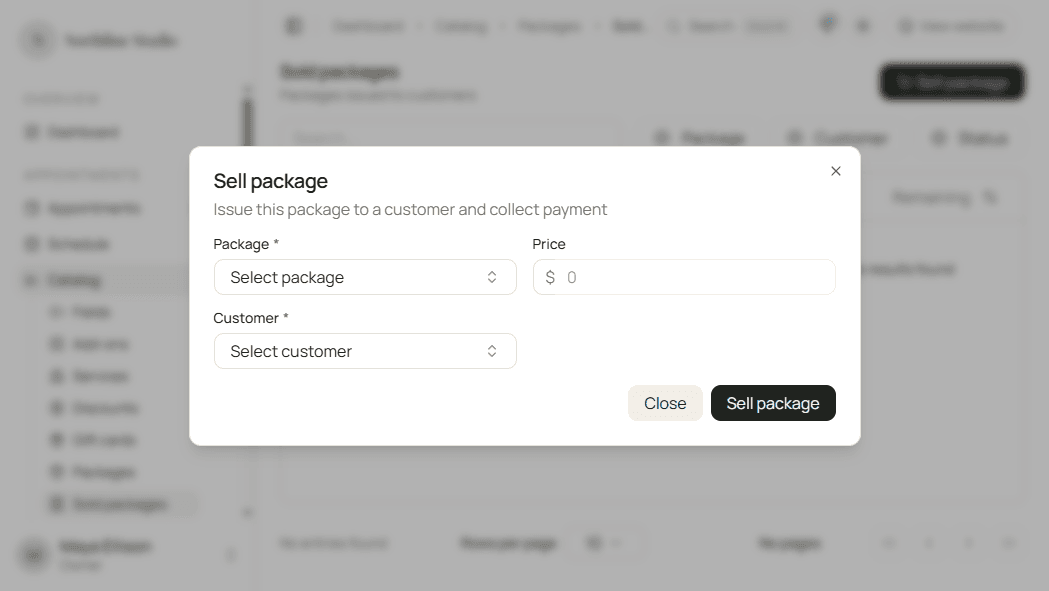
- Use Sell package when that control is on the page.
- Complete the sell dialog the same way as from the packages list.
See Selling a package.
Open actions
- Open the menu on a sold package row.
Available actions depend on status and remaining credits. Full detail is in Working with sold packages.
Good to know
After you sell from Catalog, Hacado often opens this list filtered to that package so you can confirm the new purchase.