Columns
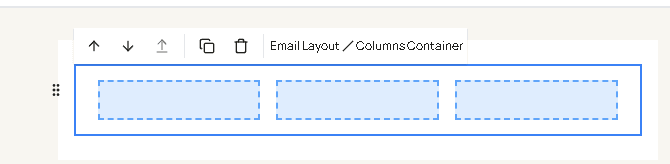
Columns container puts blocks side by side. Drag it from Containers, then drag a block into each column.
| Field | What it changes |
|---|---|
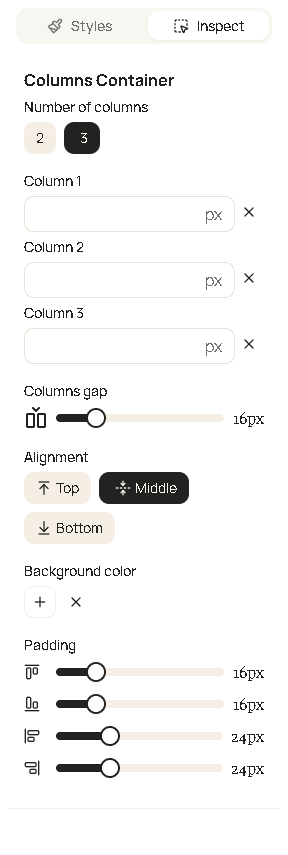
| Number of columns | 2 or 3. |
| Column 1, Column 2, Column 3 | Width of that column in pixels. Leave a column empty and it sizes itself. Column 3 is hidden when you choose 2 columns. |
| Columns gap | Space between columns, in pixels, from 0 to 80, in steps of 4. |
| Alignment | Top, Middle, or Bottom - how columns line up when one is taller. |
| Background color | Fill behind all the columns. |
| Padding | Space inside the whole columns block. |