Heading
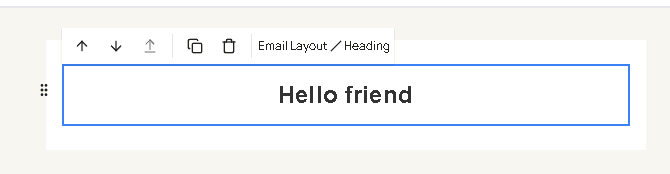
Heading is a title in the email. Drag it from Text in the blocks panel. A new heading starts as “Hello friend”.
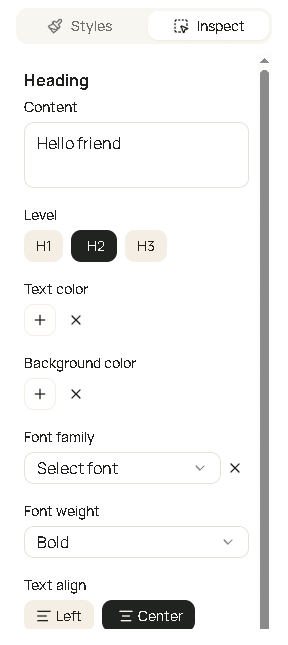
| Field | What it changes |
|---|---|
| Content | The title. Placeholders such as {{config.name}} are allowed. |
| Level | H1, H2, or H3. H1 is the largest. |
| Text color | Color of the title. |
| Background color | Fill behind the title. |
| Font family | Typeface. |
| Font weight | How heavy the title is. |
| Text align | Left, center, or right. |
| Font size | Size of the title. |
| Padding | Space inside the heading. |
The heading in the sample sign-in email is centered and bold. Click the words on the canvas to edit them, or change Content in Inspect.