Overview
Customers is where every client record lives - people you add by hand and people who book on your website. There is no separate contacts list. Open Customers in the side menu.
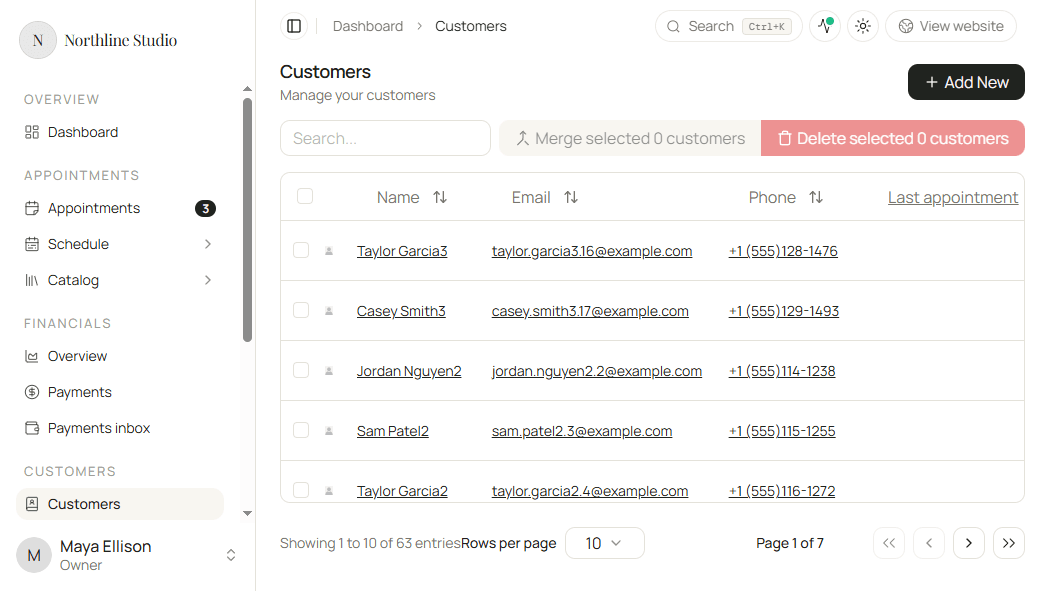
Each customer has contact details, optional notes and rules (deposit, online booking), and tabs for appointments, payments, packages, files, and communications.
What you can do here
- Listing customers - search, open a profile, merge duplicates, or delete.
- Creating a customer - add someone manually before they book.
- How customers are created - manual vs automatic from bookings, and which fields match an existing profile.
- Working with a customer - Details fields and every tab on a profile.
Good to know
- Online bookings create or update a customer automatically from Name, Email, and Phone. See How customers are created.
- Also known as stores alternate names, emails, and phones so a returning client still lands on the same profile.
- Payments and Packages tabs need a plan that includes those features (Solo+ for packages; payments when payment features are on your plan).